Managing Comments Within TeacherTube Classrooms
High School / Career and Technical Education (CATE)

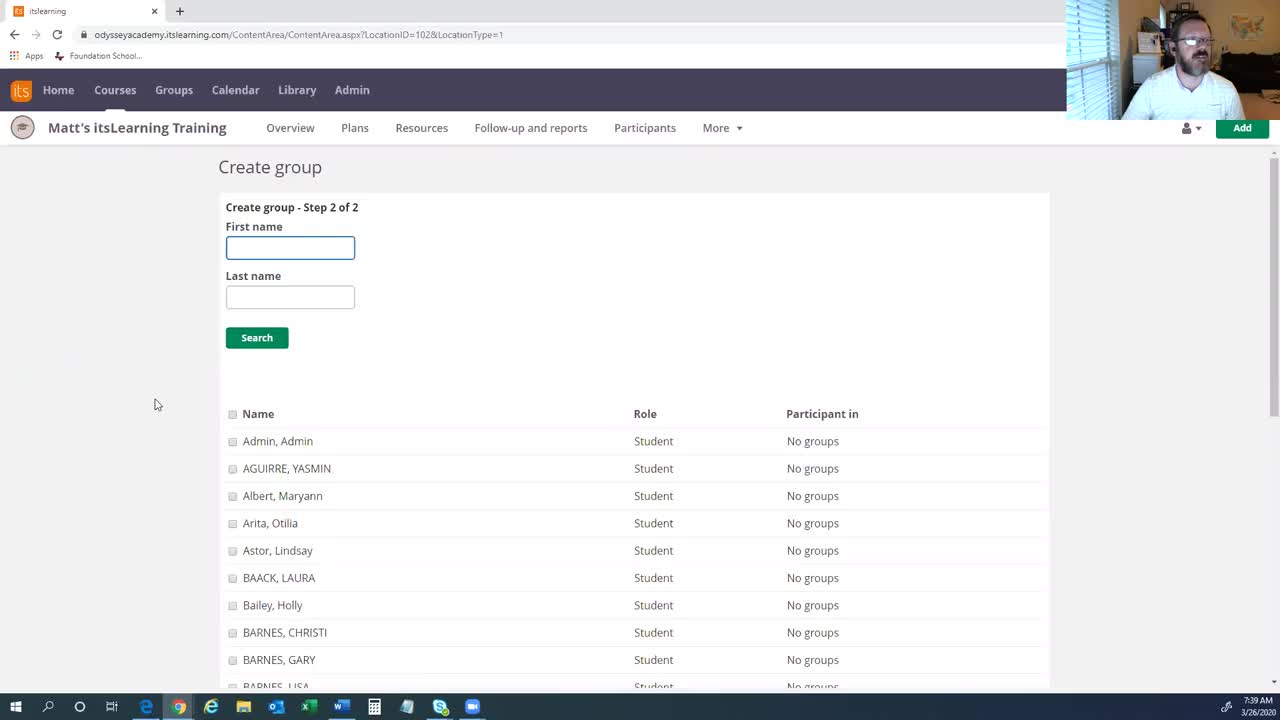
This ‘Managing Comments’ tutorial covers: Comment notifications Approving comments Comment filters The comment action menu The ‘Edit Comment’ screen Depending how the ‘Discussions’ settings are configured on your site, new comments may need to be approved before they can be seen on your site. When a new comment is made a comment notification will appear next to ‘Comments’ in the TeacherTube Classroom's dashboard. Access the the comment manager by clicking on ‘Comments’ in the sidebar. To view only ‘Pending’ comments, click the ‘Pending’ filter above the list of comments.